Dropbox Sign: Sign Fill Docs
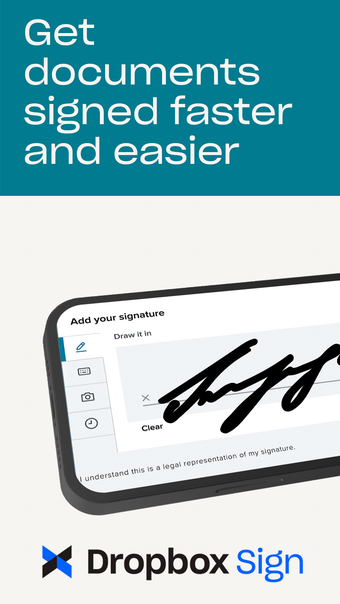
Dropbox Sign is a mobile signature app that allows users to request legally binding signatures directly from their iPhone. With this app, you can streamline your document workflows by preparing, sending, signing, and tracking agreements with legally-binding eSignatures.
One of the key features of Dropbox Sign is the ability to easily request signatures. The app allows you to create new requests and use existing templates with just a tap. Simply add the signer's email address, place the necessary fields, and send out the document for signature. Additionally, the app now includes unlimited self-signing, allowing you to add your own signature to documents as many times as you want.
Another useful feature of Dropbox Sign is the ability to scan documents on the go. Simply take a photo and the app will automatically convert it into a PDF for you to prepare and send for signature. You can also upload documents from various platforms, including phones, tablets, email, Dropbox, and Google Drive.
Tracking the status of your documents is made easy with Dropbox Sign. You can check the status of sent requests and send reminders to ensure your workflows stay on track. The app supports a wide range of file types, including PDF, DOC, and images.
With Dropbox Sign, you can download, share, and upload completed PDF forms, documents, and agreements. The app is designed to meet the needs of millions of users worldwide, offering a simple and easy-to-use way to automate and sign important agreements.
Dropbox Sign is a part of Dropbox, a trusted leader in secure cloud solutions. With over 14 million paid users, Dropbox is known for its commitment to security and privacy.
Please note that Dropbox Sign is not affiliated with DocuSign, PandaDoc, Adobe Fill and Sign, SignNow, or DocuScan.